Иконка приложения WM Keyboard

WM Keyboard

Приватная офлайн-клавиатура: 350+ языков, умный ввод, темы и инструменты.

Проверяемая сборкаКлавиатуры и ввод
Скачать APK · 12,1 МБВерсия 0.5.7 · обновлено сегодня

Краткое описание переведено на русский автоматически, разработчик русской версии не публиковал. Оригинальный текст — на странице приложения в F-Droid.

Разработчик не перевёл описание на русский — ниже оригинальный текст.

Описание

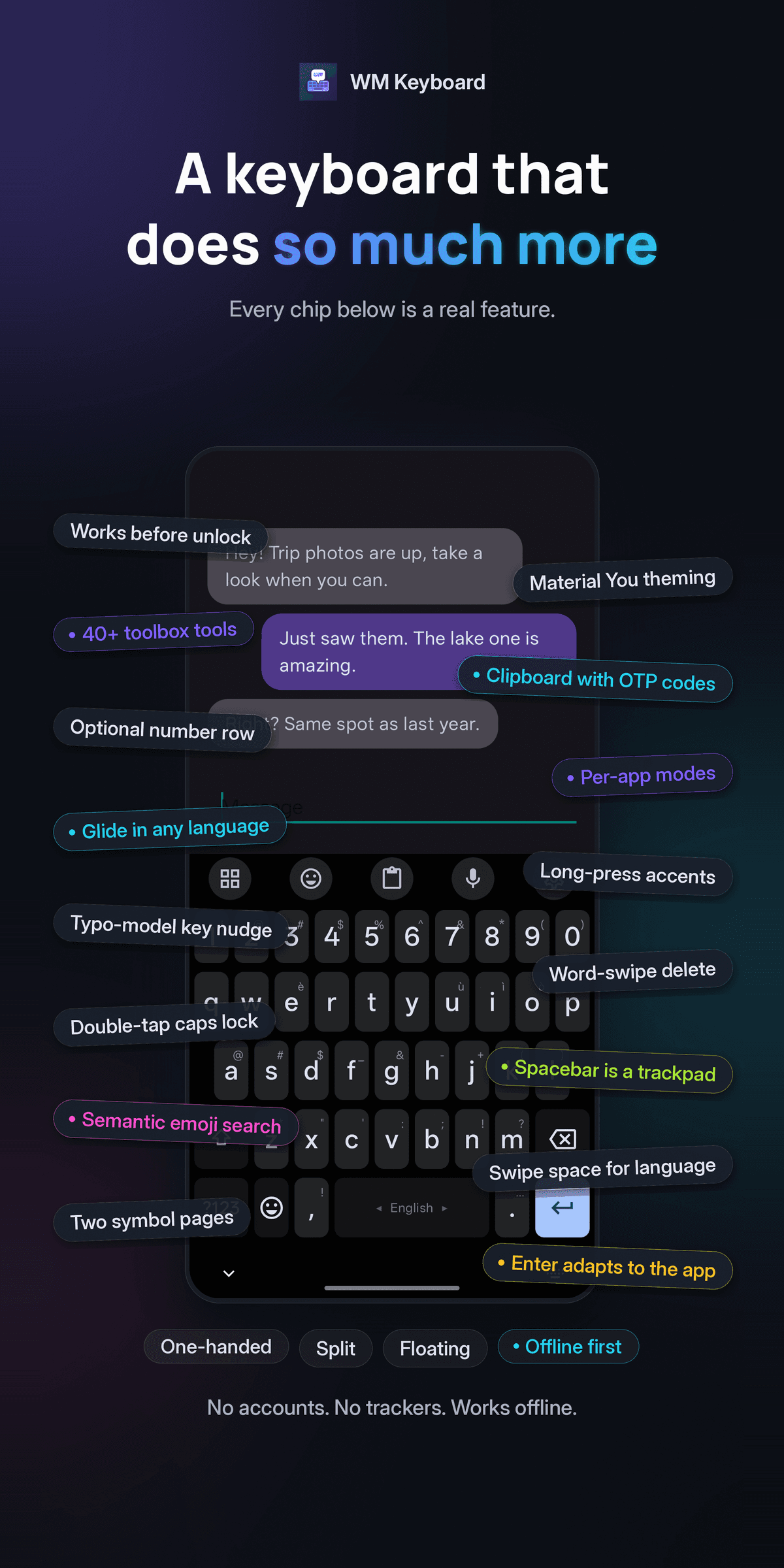
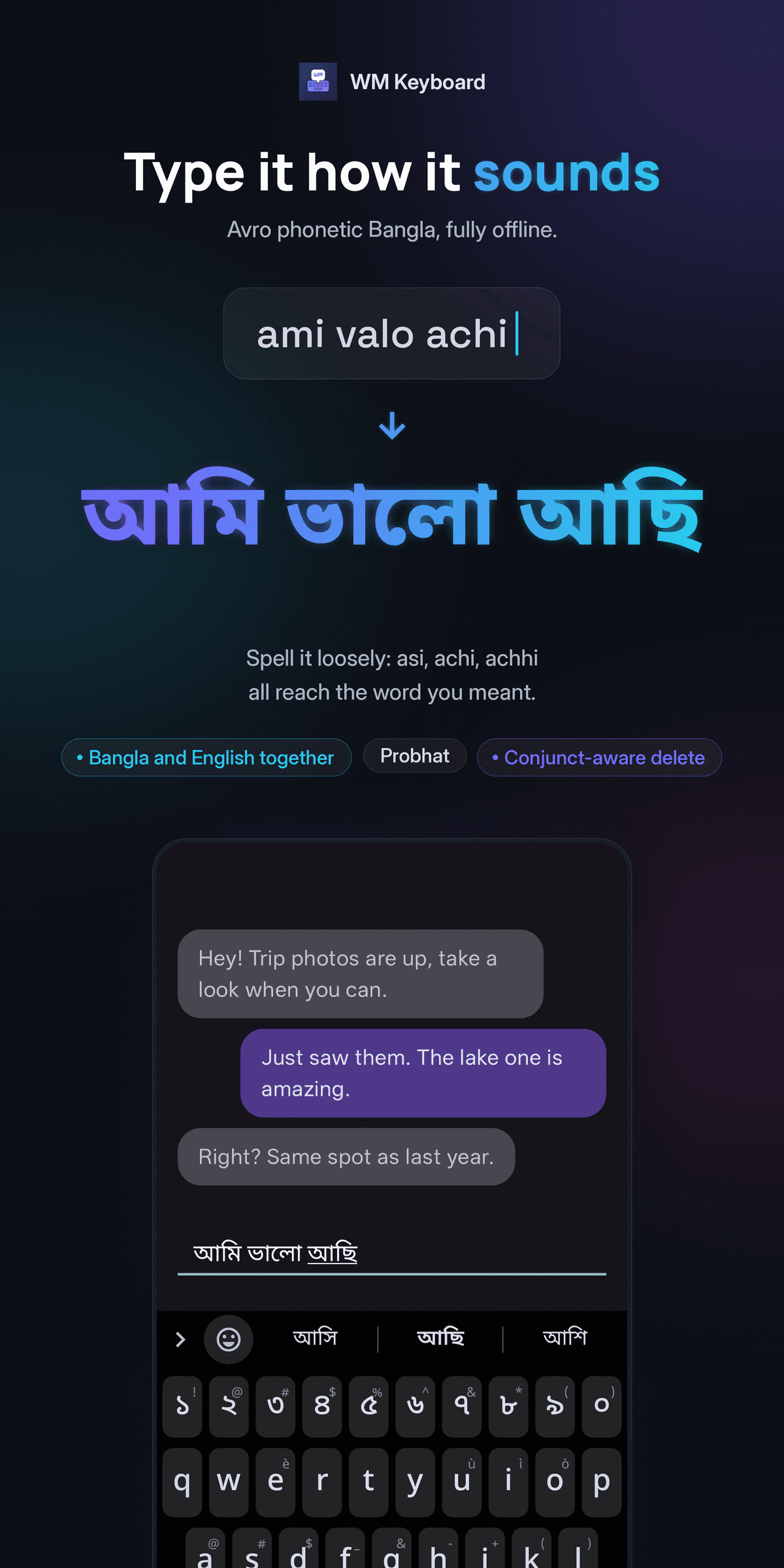
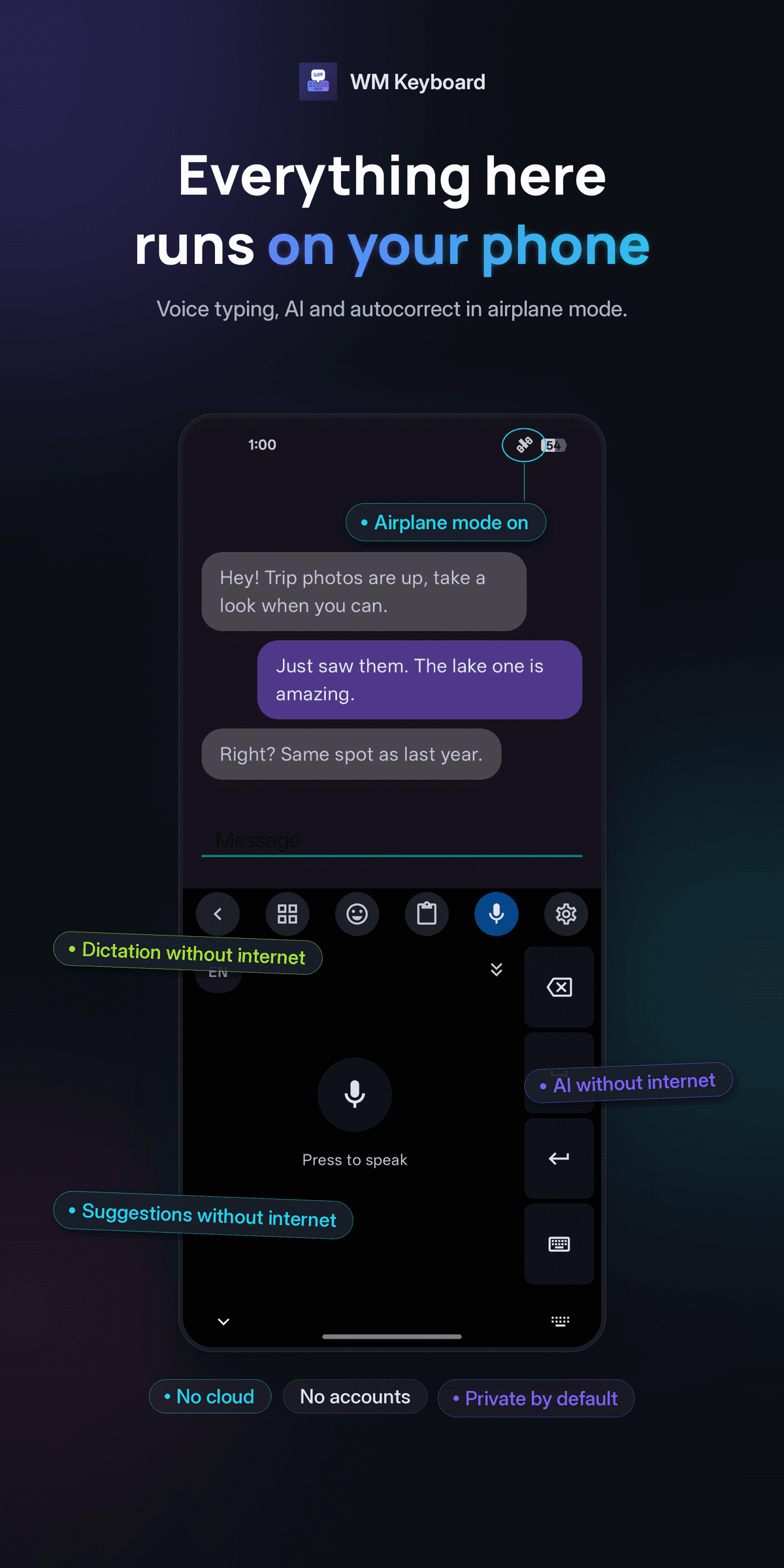
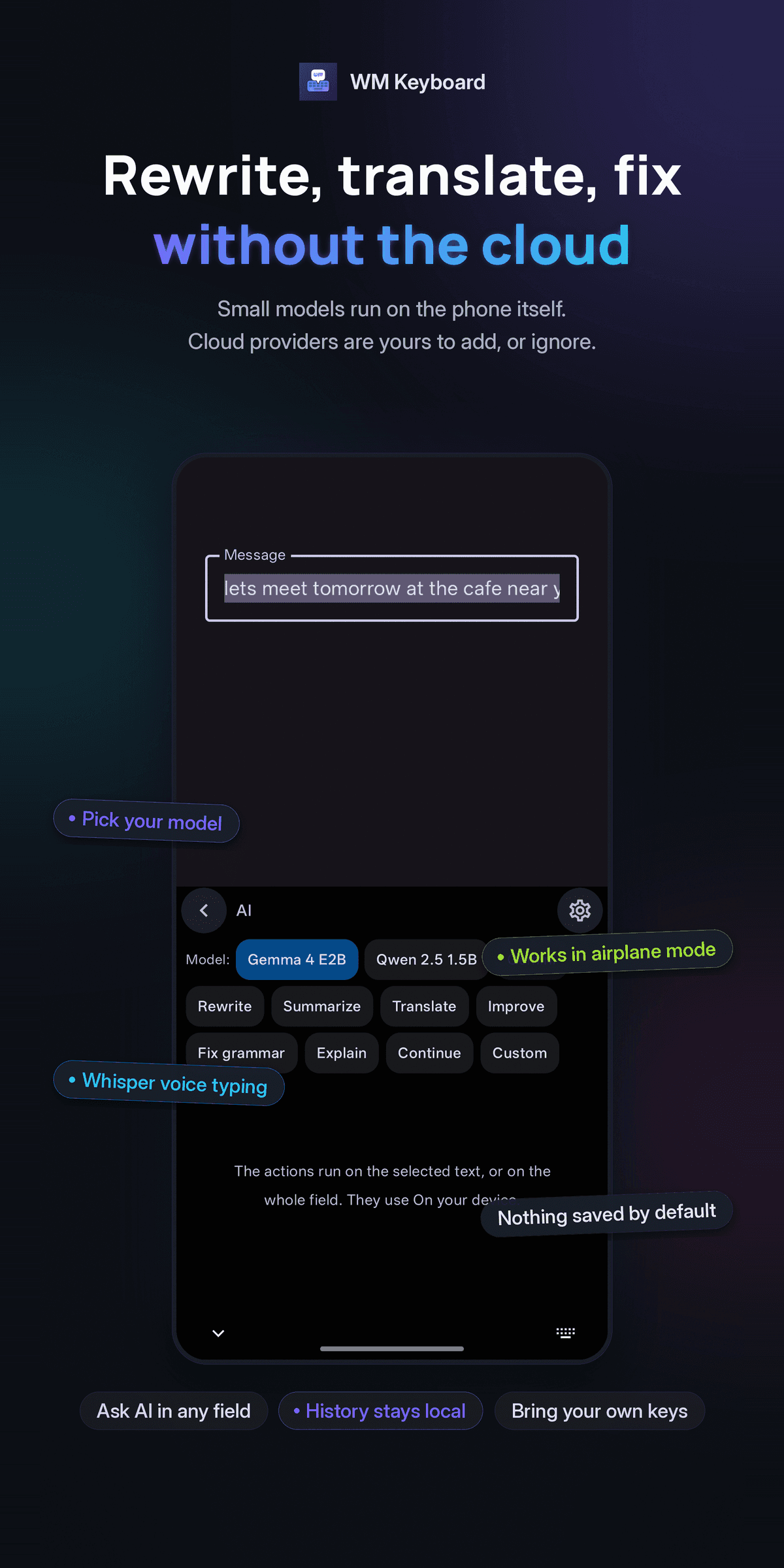
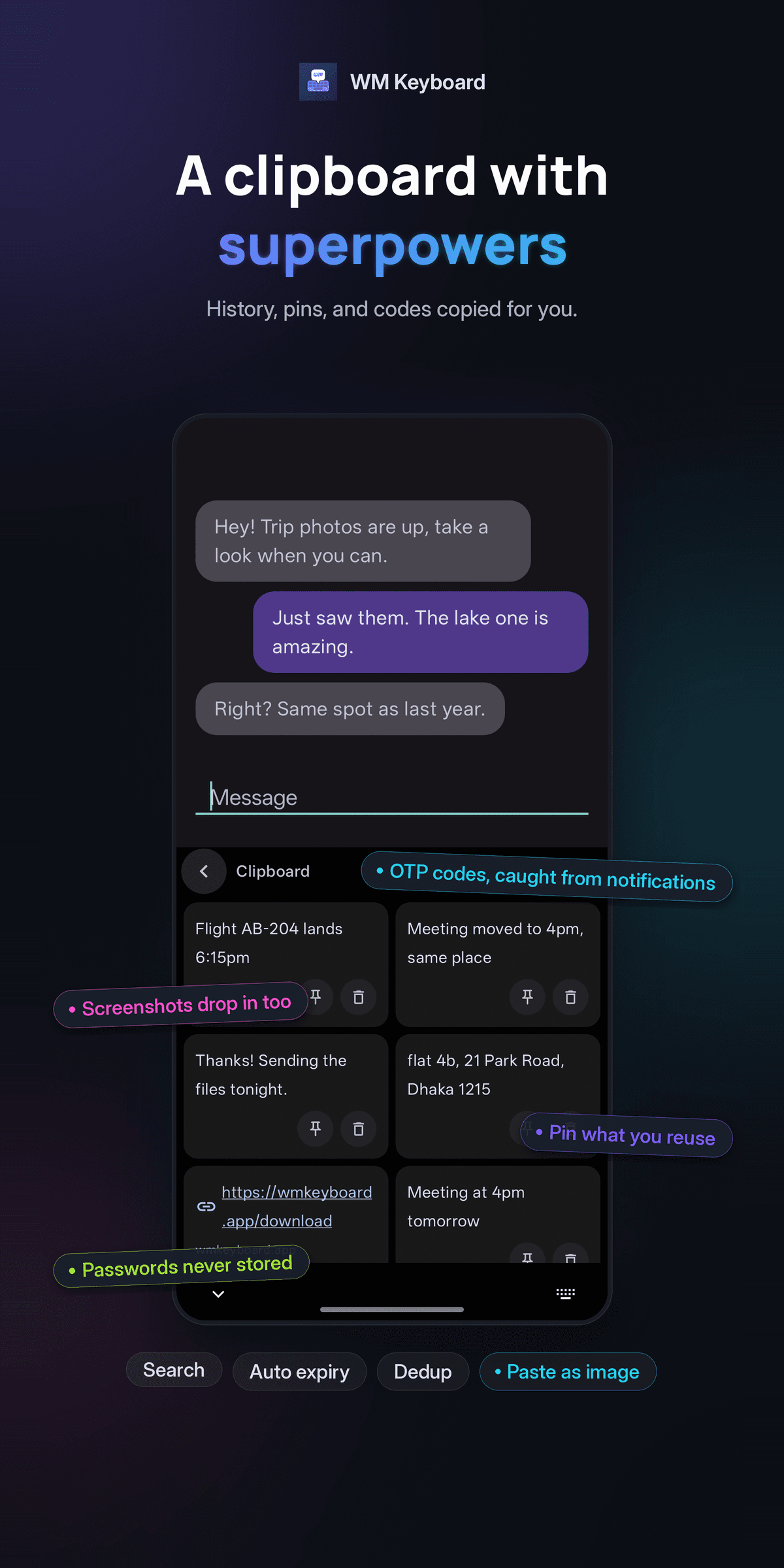
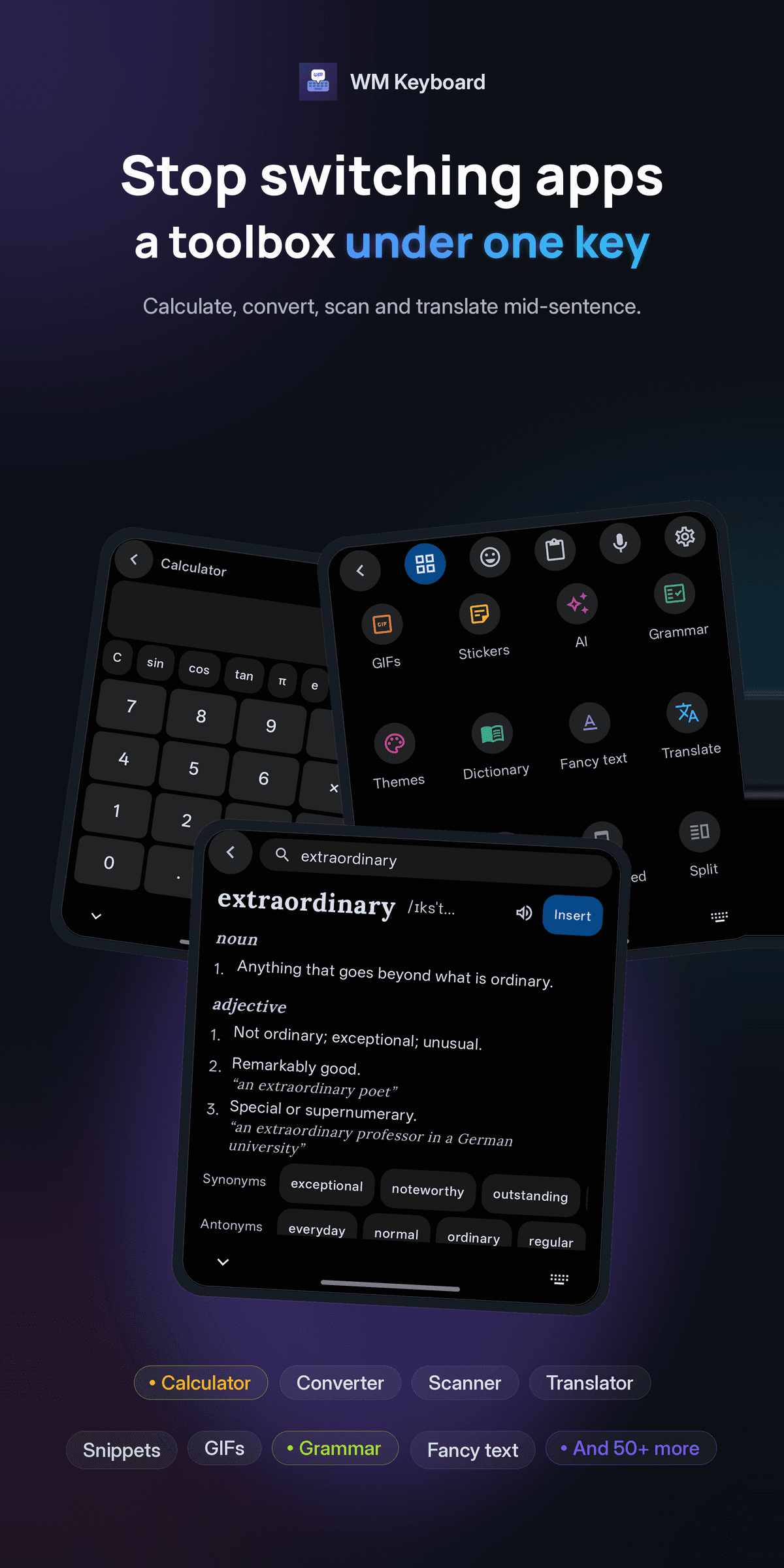
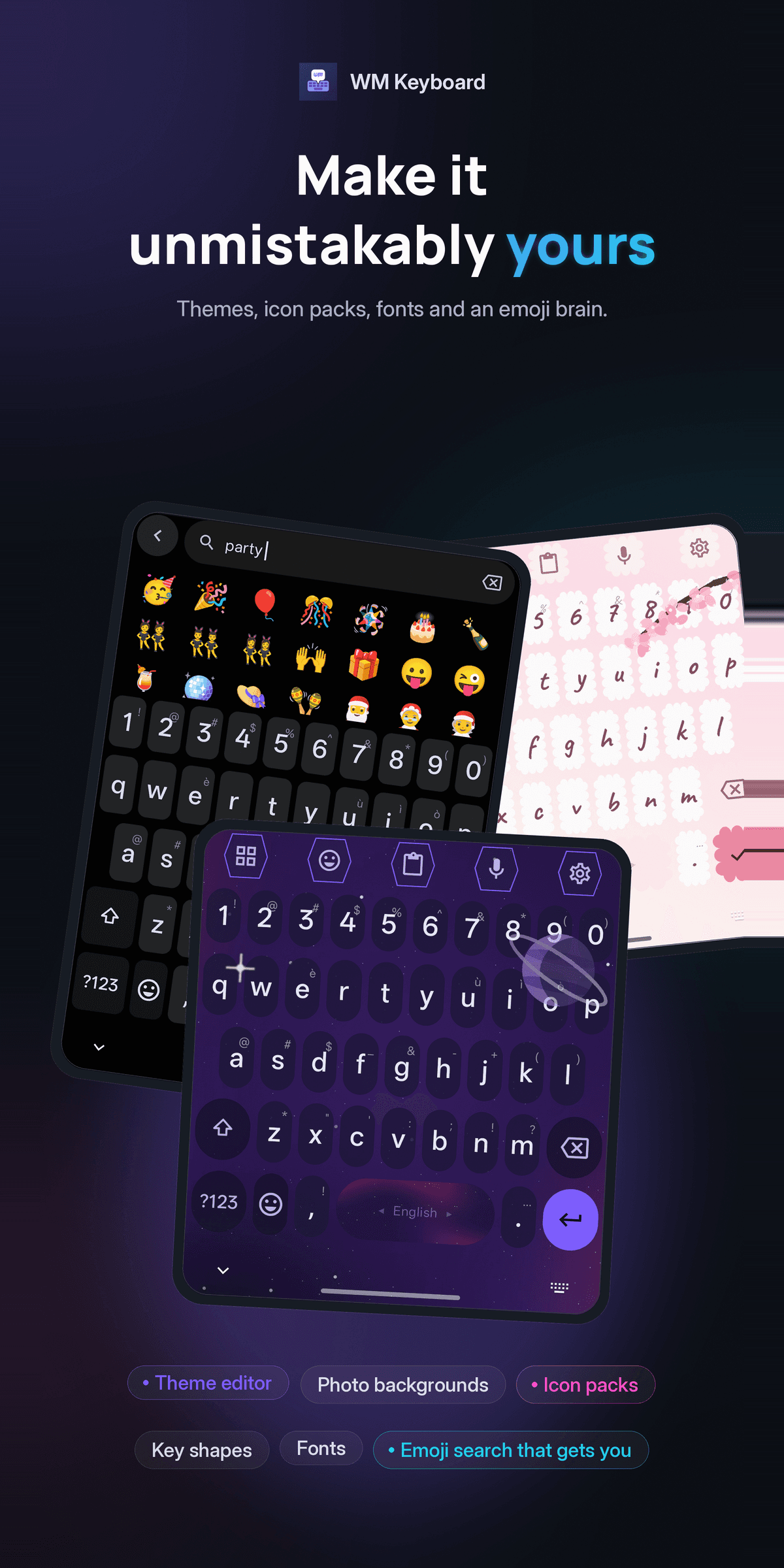
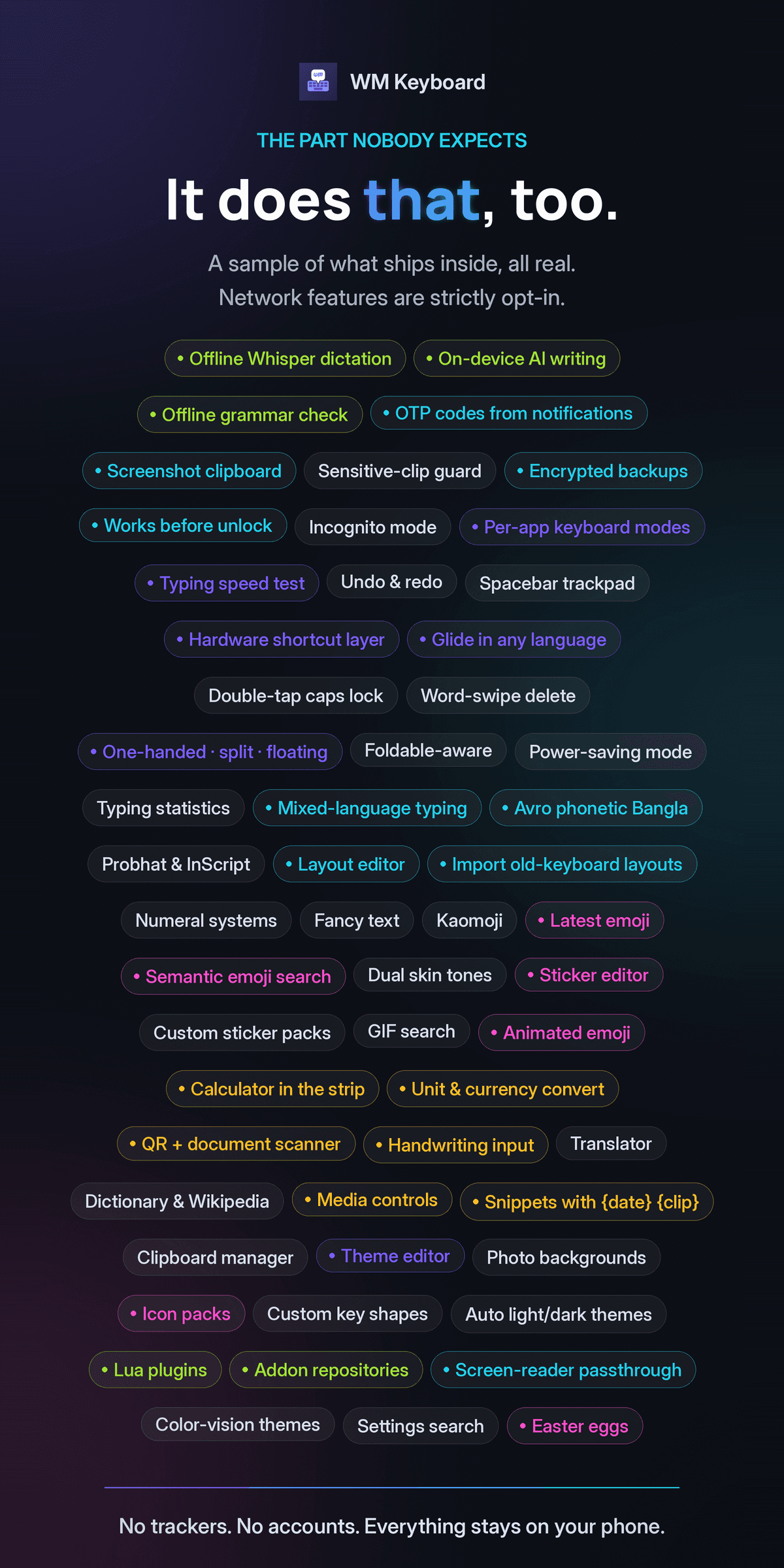
WM Keyboard is an Android keyboard that keeps its intelligence on your phone. Prediction, autocorrect, glide typing, transliteration, emoji search and learning are all local computation over files in the app's own storage. There is no analytics SDK, no advertising, no account and no server of ours for the app to phone home to. This edition is built with no Google library on its compile classpath at all. 843 LANGUAGES, 1,279 LAYOUTS Native scripts, InScript variants, romanized entries, CJK and constructed languages, all from one data-driven registry. A fresh install starts in the languages your phone is already set to and suggests more from your system language list. BENGALI THE WAY YOU ACTUALLY TYPE IT Avro-compatible phonetic typing, so "ami valo achi" becomes আমি ভালো আছি. The phonetic index is lenient: "asi", "achi" and "achhi" all reach the right word. Probhat is there too, with aspirates on shift, plus conjunct-aware backspace. TYPING THAT LEARNS, LOCALLY A trie-lattice beam decoder shared by tapping and glide, n-gram context ranking, autocorrect gated by a likelihood ratio rather than a blunt threshold, and on-device learning of your words, bigrams and trigrams. One tap clears all of it. A REAL TOOLBOX Clipboard with history, pinning and search. Snippets and text expansion. Calculator, unit and currency conversion, calendars, translate, dictionary lookup, web search, camera, media controls, an app launcher and more, most of them fully offline. EMOJI, GIFS AND STICKERS The Emoji 17.0 catalog with semantic search in 125 languages, per-person skin tones, kaomoji, custom sticker packs, and long-press to send animated emoji. MAKE IT YOURS A full theme editor: palettes, fonts, key shapes, textures, decals, particles and photo backgrounds, plus Material You and AMOLED. Resize the keyboard, split it, float it, or run it one-handed. Themes and layouts export and import as files, and an addon repository can serve you more. VOICE AND AI Speech recognition with a continuous mode, through Android's own recognizer, and optional AI writing tools where you bring your own API key or point the keyboard at a server you run yourself. Nothing is enabled behind your back. PRIVACY Every network feature is a tool you choose to open, and each one is documented. This edition downloads nothing unasked: automatic language data is off by default, so a language's n-gram pack and emoji dictionary arrive only when you accept the prompt or press the button. One connection is not a tool, and it is worth naming: a script with no font of its own is drawn in Noto, fetched through Android's downloadable-fonts provider — Google Play Services where that is installed, and nothing where it is not. Typing on its own never reaches the network: a weather or currency chip waits for your tap before it fetches anything, and exchange rates come from currency-api and Frankfurter, both free software with open data, unless you pick another source. Every service the keyboard uses can also be pointed at another server, including one you run yourself. The update check asks F-Droid only when you press the button for it. Password and secure fields turn off learning, suggestions and clipboard capture on their own, and incognito mode does the same on demand. Backups are written where you point them, and a passphrase encrypts them. This is the lite edition. It leaves out handwriting, text and QR scanning, offline dictation and the on-device AI models, because all of them are built on Google libraries, and it carries none. Its privacy policy is its own: https://wmkeyboard.pages.dev/privacy/policy-fdroid/ The full documentation, including exactly what touches the network and when, is at https://wmkeyboard.pages.dev

Скриншоты

Скриншот 1 — WM Keyboard
Скриншот 2 — WM Keyboard
Скриншот 3 — WM Keyboard
Скриншот 4 — WM Keyboard
Скриншот 5 — WM Keyboard
Скриншот 6 — WM Keyboard
Скриншот 7 — WM Keyboard
Скриншот 8 — WM Keyboard

Характеристики

Версия
0.5.7
Размер
12,1 МБ
Требуется
Android 7.0 и выше
Обновлено
14 сентября 2026 г.
Добавлено
14 сентября 2026 г.
Лицензия
MIT
Автор
Wasi Master
Имя пакета
com.wasimaster.wmkeyboard
Архитектуры
arm64-v8a, armeabi-v7a, x86_64
Источник
F-Droid·Собрано из исходного кода
SHA-256 файла
6d45012f67595e4eacd50de23ecffd3ff137c09a9e62f02d4db6efe814c3aa18
Отпечаток подписи
dc4493107b16cedd0c0ab51275d7f5c3217caf9d8cd246a4a8a9f59eab1acf3e

F-Droid компилирует приложение сам из открытых исходников, поэтому файл гарантированно соответствует опубликованному коду. Сверьте SHA-256 скачанного файла, если хотите убедиться, что он не изменился по дороге.

Что нового в версии 0.5.7

Write, test and install your own Lua plugins in a new code editor in the app. Hide the 🌐 key on every layout. Move keys between rows, and edit a layout as JSON. Swipe off ?123 or ABC to type one key from that layer. A glided word is the word its preview showed. On F-Droid, every online service can use a server you choose, and the weather and currency chips wait for a tap before they go online.

Разрешения (17)

Что приложение запрашивает у системы. Чувствительные разрешения показаны первыми.

  • Запись звука с микрофона
  • Использование камеры
  • Статистика использования приложений
  • Чтение контактов
  • Биометрическая аутентификация
  • Вибрация
  • Доступ в интернет
  • Запись файлов на устройство
  • Показ уведомлений
  • Просмотр состояния сети
  • Сканер отпечатка пальца
  • Чтение изображений
  • Чтение календаря
  • Чтение файлов на устройстве
  • Dynamic receiver not exported permission
  • Read user dictionary
  • Write user dictionary

Ссылки

Как установить APK

Скачайте файл, откройте его через уведомление о загрузке и разрешите установку из этого источника, когда Android спросит. Подробная инструкция со скриншотами — на отдельной странице.

Похожие приложения

WM Keyboard распространяется по лицензии MIT. DroidCave не является разработчиком этого приложения и не вносит изменений в файлы: мы отдаём ту же сборку, что опубликована в F-Droid. Актуальная версия — 0.5.7, 1 версия доступно для скачивания.